
Tour review · TOUR REVIEWS
Campania: Pompei+Herculaneum+Vesuvius audio guide
Pompeii and Naples, guided on your own terms. This app-style experience shines with geolocated directions and audio content split into clear sections for big sites like Pompeii and Herculaneum, plus Naples museum stops like the MANN. The main thing to watch is that some people report iPhone app glitches, like the audio and map choices resetting when switching to other apps.
If you want autonomy, this works. You can start right after purchase, use your own phone (so it stays yours), and follow maps and geo localization to the exact points of interest. One practical drawback to keep in mind: tickets are not included, so you still need to plan entry where required.
Key highlights I’d plan around

- Geolocation for outdoor sites like Pompeii, Herculaneum, Vesuvius, and Oplontis
- Chunked audio for complex stops (for example large houses or museum collections)
- Bundle value versus buying each guide separately, priced at $11 per person
- Lifetime-style access to the audio guides after purchase and redemption
- WhatsApp support inside the app if you get stuck
- Free demo option before you commit
What you’re really buying here (and why it’s good value)
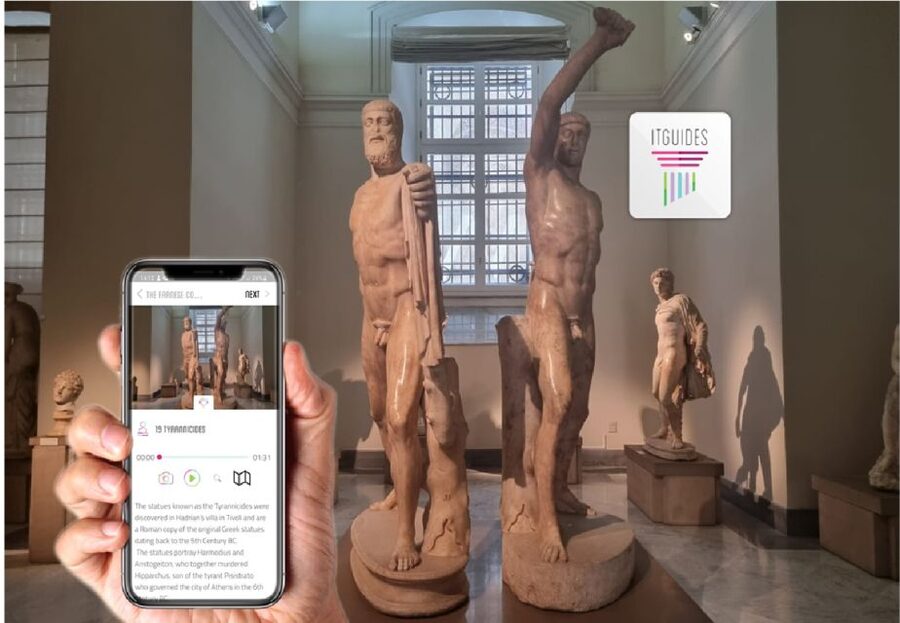
At $11 per person, you’re not paying for a live guide or a timed group. You’re buying a smartphone audio system for some of Campania’s biggest hits: Pompeii, Herculaneum, Naples, the MANN (Naples Archaeological Museum), Vesuvius, and the Villa di Poppea at Oplontis.
That sounds simple, but the value comes from how practical the format is. You don’t have to fit your day around someone else’s voice schedule. You can pause, walk back for another look, or spend longer where your curiosity pulls you in.
The big “why” for this type of guide is Campania’s scale. Pompeii and Herculaneum are sprawling, and the museum (the MANN) is packed with collections. When the audio is split into sections, you can move room-by-room, or stop at a major house, without feeling lost or forcing yourself to follow a rigid script.
You can also read our reviews of more guided tours in Naples


Before you go: setting up the ITGUIDES app on your phone
This is a full online product on your Apple or Android smartphone. The key is to treat setup like part of the trip, not an afterthought.
Here’s what matters based on how the experience is designed:
- Buy it, then use it right away after purchase.
- Download content before you rely on it outdoors.
- Bring a power bank, because long museum walks and video-free audio still drain phones.
The app also gives you maps and geo localization, so you’re not just pressing play and hoping it lines up with where you are. You’ll use your phone’s GPS-ish help to reach each point of interest.
One small sanity check: earphones are described as best, but not required. In real life, earphones make a huge difference at loud sites and inside museums where you might be standing near other people.
How the audio guide workflow feels in real life
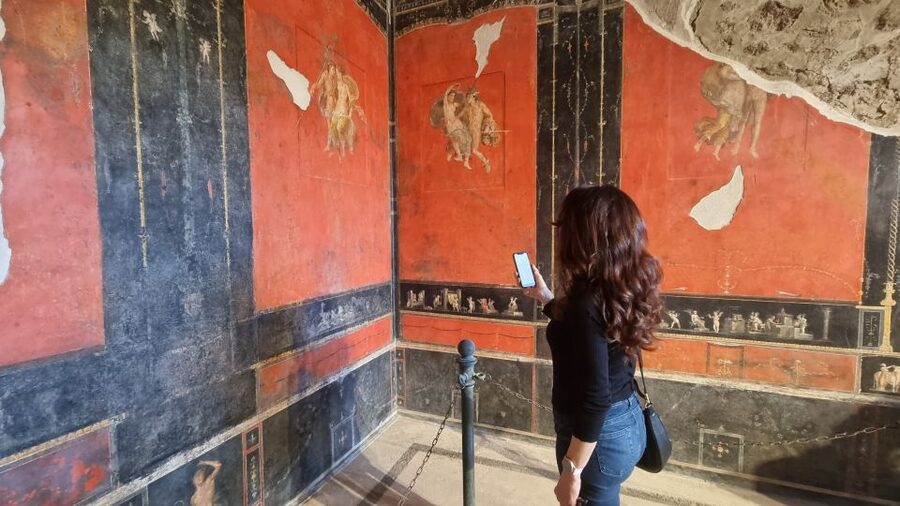
The experience is self-guided, and there’s no meeting point. That’s liberating, but it also means you need a simple routine.
When you arrive at a site:
- Open the app.
- Make sure the correct attraction is selected.
- Start the relevant section for where you are standing.
- Follow the on-screen map and location help to your next point.
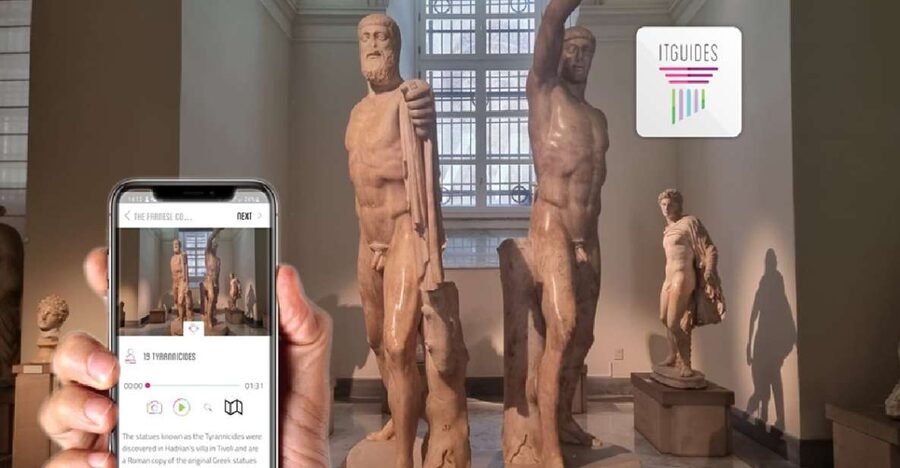
The guide is designed for complicated stops. For example, it breaks big houses in Pompeii and Herculaneum into multiple segments, and it splits museum content too, including major groupings in the MANN such as the Farnese collection and Egypt collection.
This splitting is more than a technical feature. It prevents the classic problem with audio tours: you get dropped into a long track that doesn’t match what you’re seeing right now. With sectioned content, you can stay in sync with the actual room, hallway, or courtyard.
Pompeii: using audio sections so you don’t wander blind
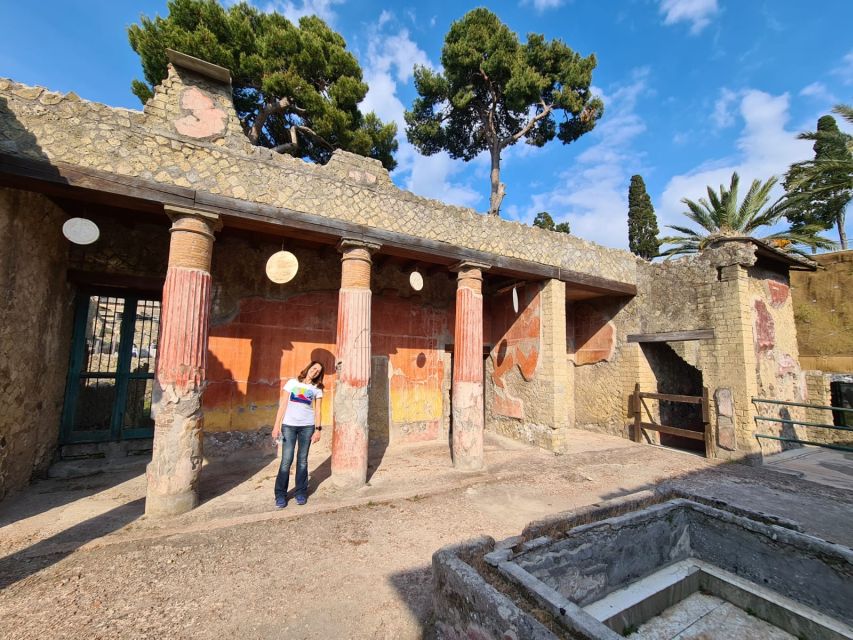
Pompeii is the headline. Even if you’ve seen photos, in person it’s the sheer layout that can overwhelm you. This guide helps you avoid the “where am I in the story” problem.
What I like about using an audio system here:
- You can focus on specific places instead of trying to cover everything.
- The audio format is meant for complex areas, with content divided so you stay oriented at big houses and points of interest.
If you’re the kind of traveler who wants to slow down and actually look, this approach fits. You can stand in a street, scan the storefront details, then switch to a deeper audio section when you reach a major stop.
One practical consideration: the more you move between phones apps (camera, maps, etc.), the more likely you are to run into the kinds of issues some people reported. So, if you need directions, keep one eye on the app and only switch when you have to.
Herculaneum ruins: the payoff of chunked house-by-house storytelling
Herculaneum can feel more intimate than Pompeii, but it’s still a lot to process. The audio guide is built for exactly that. It’s not just one long narration. It’s arranged so you can handle larger structures and major stops in sections.
That matters because Herculaneum’s best moments often happen when you’re in a specific location and start noticing the details. With segmented tracks, you can tie the explanation to the view in front of you, instead of drifting through the ruins with a vague sense of what you’re seeing.
A bonus here is autonomy. Since it’s self-guided, you can match your pace to the site. If one house section clicks for you, you can stay longer without worrying that you’re falling behind a group.
More Naples tours, ruins, coast days, and city experiences to compare



Naples city center + the MANN: history in context, not just facts
Naples is not only a base for day trips. This experience includes audio for Naples city center and for MANN, the Archaeological Museum of Naples.
The smart move is to use Naples audio the way locals use a map, not like a textbook.
- In the city, you can get your bearings and understand what you’re looking at while you walk.
- In the MANN, you can pick the sections that match your interests instead of doing a full museum marathon.
The guide is designed to split complex museum content into parts, including major groupings like the Farnese collection and Egypt collection. That’s a big help at the MANN, because it’s easy to get lost when there are so many rooms and so many famous objects competing for your attention.
If you like museums but hate spending hours feeling behind, this format gives you permission to make choices. You can focus, finish, and still have energy for evening Naples.
Vesuvius: using geolocation where “where am I” matters
Vesuvius is different from the ruins. You’re dealing with a more open, outdoor environment where GPS and location cues can make your life easier.
The experience specifically notes geolocated audio guides for outdoor attractions, which includes Vesuvius. That means you should be able to follow the point-by-point structure without trying to guess where the next stop begins.
My practical tip: go to Vesuvius with a power bank. Between photos, checking maps, and switching audio sections, you’ll burn battery faster than you think.
Villa di Poppea (Oplontis): a quieter stop that fits the audio format
Oplontis is the kind of place that can feel overlooked on fast itineraries, but it’s exactly the sort of site where audio helps. You’re not just seeing ruins, you’re learning what you’re looking at.
This guide includes Villa di Poppea (Oplontis) and also notes in the experience description that this stop has audio coverage. That’s important because outside audio can be spotty at less-touristed sites.
In practice, audio is most helpful when there’s no big crowd funneling you. With an organized app, you can slow down and connect what’s left of the villa to the explanations being played at the right time.
Support, troubleshooting, and the real risks to plan around

This is where you should be honest with yourself before you buy.
The app provides WhatsApp contact for issues or doubts. That’s a real comfort, especially when you rely on tech in outdoor places with limited signal.
That said, you also have to consider the main drawback that shows up in the feedback pattern: some users described app trouble on iOS, including audio resetting or map and city selections changing if they switch to other apps like camera or maps. There were also reports that some people found room navigation less clear in the museum.
So, my advice:
- Keep the audio app open while you move through the site.
- If you must switch apps, switch back and quickly verify the correct attraction and section.
- Have a backup plan for battery and offline access by downloading with good wifi or cellular signal when possible.
Also note the big one: no tickets are included. That means you need separate entry planning for sites that require it. The audio guide does not replace museum or site access.
Price, value, and who this is best for
At $11 per person, this is priced like an accessory to your trip, not a guided tour. The value depends on your style.
You’ll likely love it if you:
- Want freedom to move at your pace.
- Prefer using your own phone for directions and timing.
- Enjoy museums but don’t want to follow a rigid group path.
- Are comfortable doing a little pre-planning to download content.
You might hesitate if you:
- Need a completely foolproof app experience every time.
- Have had trouble with iPhone app switching or background audio in the past.
- Don’t want to handle tech setup (downloading, keeping the app in place, power bank).
Given the mix of strong and weaker feedback, I see the sweet spot as travelers who are tech-capable enough to troubleshoot quickly, not travelers who want zero friction.
My practical 5-day way to structure Campania with this audio guide
Even though this is not a scheduled tour, the 5-day window is a useful frame. Here’s a logical flow that prevents backtracking.
Day 1: Naples basics + the MANN
Start with Naples city center audio when you arrive, then transition to the museum. The MANN is a high-density day, and you’ll appreciate having structured, sectioned audio to prevent information overload.
Day 2: Pompeii
Use the app for a main route through Pompeii, then lock in audio sections for the big houses or key points of interest. Let the guide help you decide where to spend extra minutes.
Day 3: Herculaneum
Switch from Pompeii’s scale to Herculaneum’s texture. Use the segmented structure so you’re never guessing what you’re looking at while standing in a complex area.
Day 4: Oplontis plus Vesuvius
Oplontis can be a strong follow-up after the two main cities. Then use the Vesuvius outdoor geolocation audio to help you connect viewpoints to explanations.
Day 5: Flexible buffer day
This is for finishing anything you skipped, revisiting your favorite stop, or spending extra time in the city. Since the guide is self-paced, you can adjust based on energy and weather.
Should you book Campania: Pompei + Herculaneum + Vesuvius audio guide?
Book it if you want independence. This audio format is built for big places and big objects, and the sectioning approach helps you stay aligned with what you’re actually seeing. At $11, it’s also one of the easier ways to add serious context without paying museum-level guide prices.
I’d be cautious if you know you depend heavily on iOS app stability, or if you hate any kind of tech troubleshooting. In that case, you might prefer a traditional guide for Pompeii and the museum, then use audio only as a backup for outdoor viewpoints.
If you do book, set yourself up to win: download content with good signal, bring a power bank, and keep the audio app open while you move between spots. Do that, and you’ll turn Campania from a list of ruins into a connected, walkable story.
FAQ
Do I need a smartphone to use the audio guides?
Yes. You need an Android or Apple smartphone to access the ITGUIDES audio guides in the app.
Are earphones required?
Earphones are best, but they are not required.
Are entrance tickets included in the price?
No. Tickets are not included, so you will need to arrange site and museum entry separately.
Do I need a meeting point?
No. This is a self guided experience, so no meeting point is necessary.
Can I download and start using the guides immediately after purchase?
Yes. You can start using the audio guides right after purchase, and you will receive instructions in your voucher on how to download and redeem them.
Does the app help me find where to go at outdoor sites?
Yes. The audio guides are geolocated, which is especially useful for outdoor attractions like Pompeii, Herculaneum, and Vesuvius.
What if I have a problem using the app?
You can get support through a WhatsApp contact provided in the app. There is also an in-person support address listed in Naples for help and a special discount on ticket visits.
Which places are included in the bundle?
It includes audio guides for Pompeii, Herculaneum, the MANN (Naples Archaeological Museum), Vesuvius, Villa di Poppea (Oplontis), and Naples city center.
More Self-Guided Tours in Naples
More Guided Tours in Naples



More Tour Reviews in Naples




Not for you? Here's more nearby things to do in Naples we have reviewed










Tour Reviews, compared.
 ★ 4.8Pompeii: Entry Ticket and Guided Tour with an ArchaeologistFrom $3519,459 reviews
 ★ 4.2Pompeii: Entry Ticket with Optional Audio GuideFrom $2612,360 reviews
 ★ 4.8Pompeii: Small Group Tour with an ArchaeologistFrom $4012,264 reviews
 ★ 4.3Pompeii Ruins & Mount Vesuvius Day TourFrom $12011,459 reviews
 ★ 4.6Sorrento, Positano and Amalfi Full-Day TourFrom $10710,988 reviews
 ★ 5.0Sorrento, Positano & Amalfi Coast – Small Group TourFrom $768,643 reviews
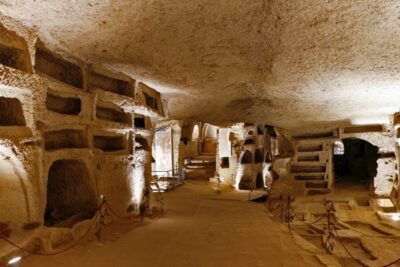 ★ 4.6Catacombs of San Gennaro Entry Ticket & Guided TourFrom $157,941 reviews
★ 5.0Pompeii Small Group Tour with an ArchaeologistFrom $356,593 reviews
★ 4.6Catacombs of San Gennaro Entry Ticket & Guided TourFrom $157,941 reviews
★ 5.0Pompeii Small Group Tour with an ArchaeologistFrom $356,593 reviews
Browse the lists this tour appears in